Multilingual & localization
The dashboard is in your language. SellBridge takes care of translating product information and interpreting order statuses.
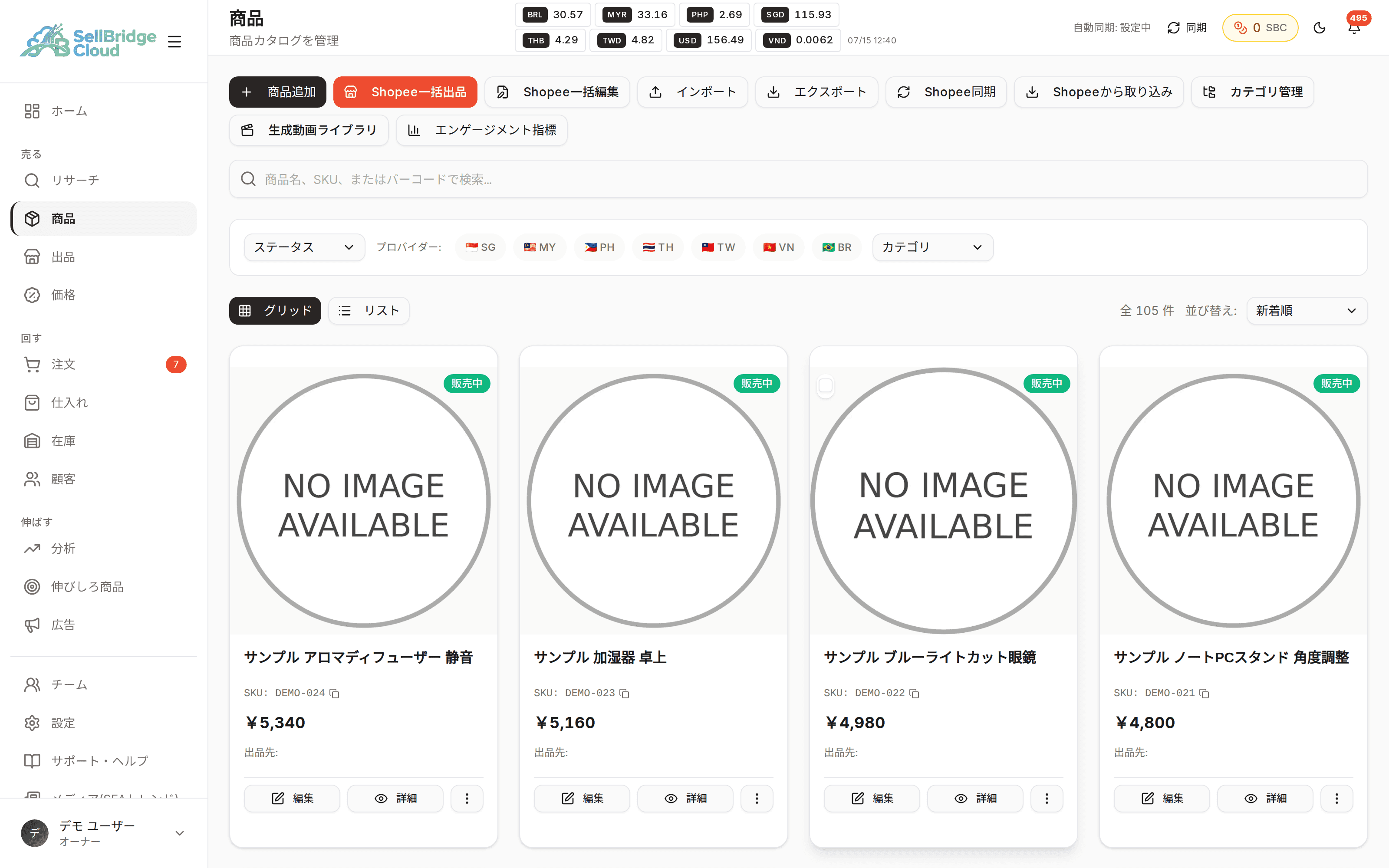
Stop wrestling with Seller Centre sites in other languages
Each market’s Seller Centre is provided in the local language or English. In SellBridge, order statuses and cancellation reasons are shown in your language, so there is no need to go back and forth between a translation tool and the dashboard. It also reduces mistakes caused by misreading terms.
- Every action in the dashboard can be done in your language
- Order statuses and cancellation reasons are shown in your language
- No need to open each market’s dashboard separately
Write product information in your language, sell it in each market’s language
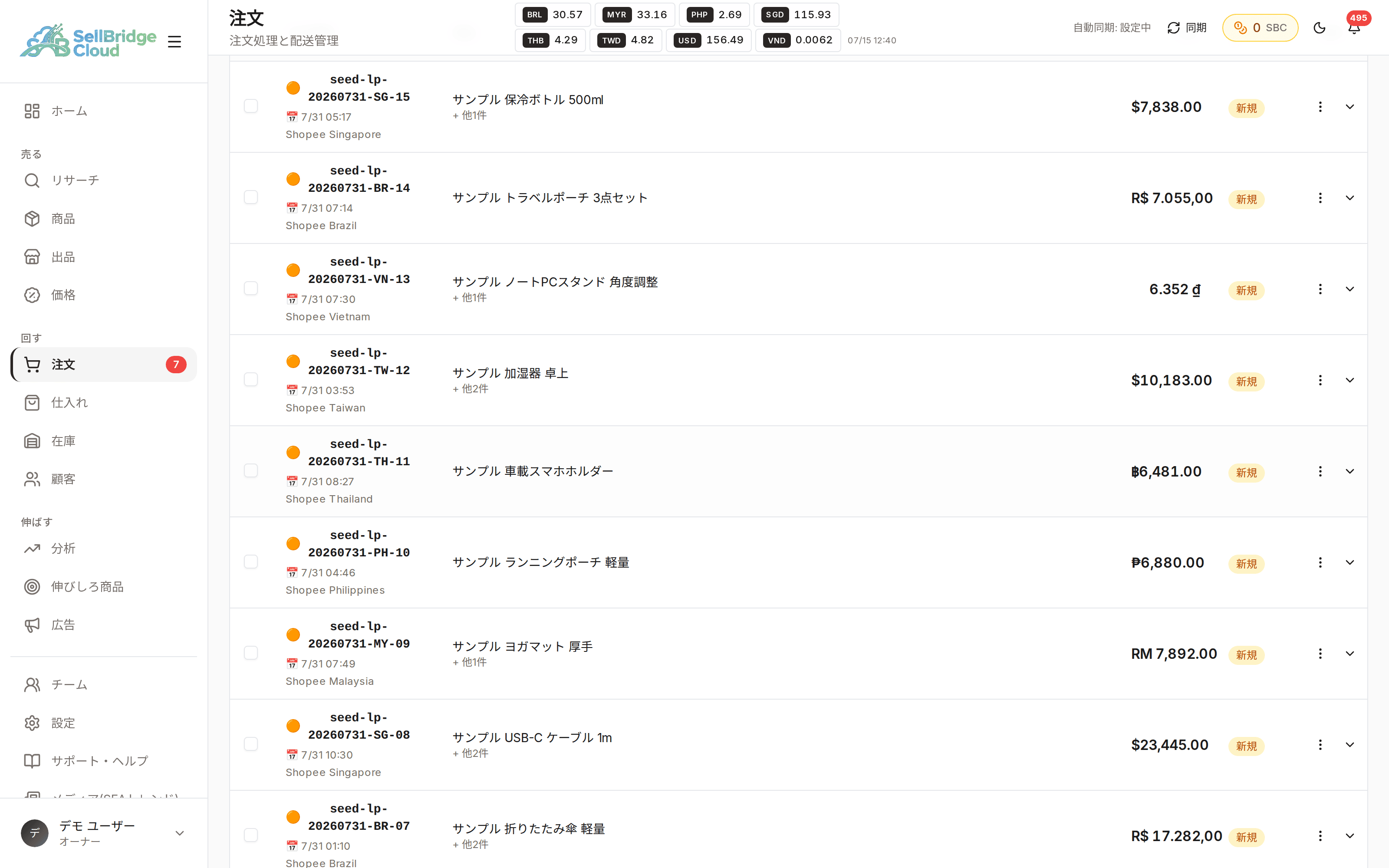
Just prepare product names and descriptions in your language. AI translates them into each market’s language, and you can review and edit the translations on screen before submitting. If the nuance isn’t right, fix it on the spot.
- AI translates the product information you enter into each market’s language
- Review and edit translations before submitting
- Description rewriting is supported too
Availability by plan
The dashboard in your language is available on every plan. AI features have a monthly usage limit on each plan.
| Feature | Free | Basic | Standard | Premium |
|---|---|---|---|---|
| Product translation | 3/mo | 30/mo | 200/mo | Unlimited |
| Description rewriting | 3/mo | 30/mo | 200/mo | Unlimited |
| AI compliance check | 5/mo | 50/mo | 300/mo | Unlimited |
| Keyword check | 10/mo | 100/mo | Unlimited | Unlimited |
“−” means the feature is not available on that plan. See the pricing page for the latest prices and plan details.
Frequently asked questions
- Which languages are supported?
- We support the languages used by the Shopee stores you connect in each market. The dashboard is available in Japanese, English, Simplified Chinese and Korean.
- Can I edit the translations myself?
- You can review translations on screen before submitting and edit them on the spot. Your edits are used as-is for the listing.
- Is there a limit on the number of translations?
- Each plan has a monthly usage limit. If you reach it, wait until the next month or consider upgrading to a higher plan.
More features
Combine SellBridge features to connect your entire cross-border operation.
Make cross-border operations simpler.
Start on the Free plan — no credit card required.